Table of Contents
WordPress hosted translation
To translate Ghost Kit into your language, work with the ghostkit textdomain. Every string in the plugin goes through it, from the labels in the Effects panel to the text the blocks output on the front end. You can contribute a translation to translate.wordpress.org, or keep one local to a single site.
Local hosted translations
To add local translations, use any POEditor. We have a great experience with Loco Translate plugin.
- Go to Admin Menu → Loco Translate
- Select the Ghost Kit plugin and click on the New language link.
- Follow the instructions and click Start Translating
- You can translate all strings available in the plugin now. Example:
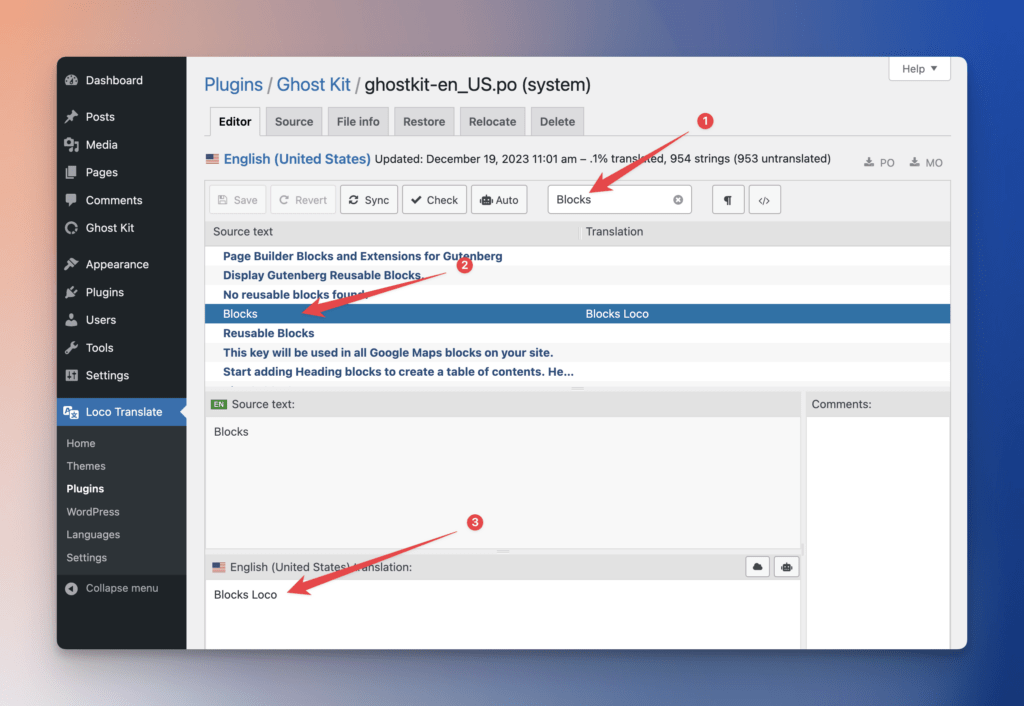
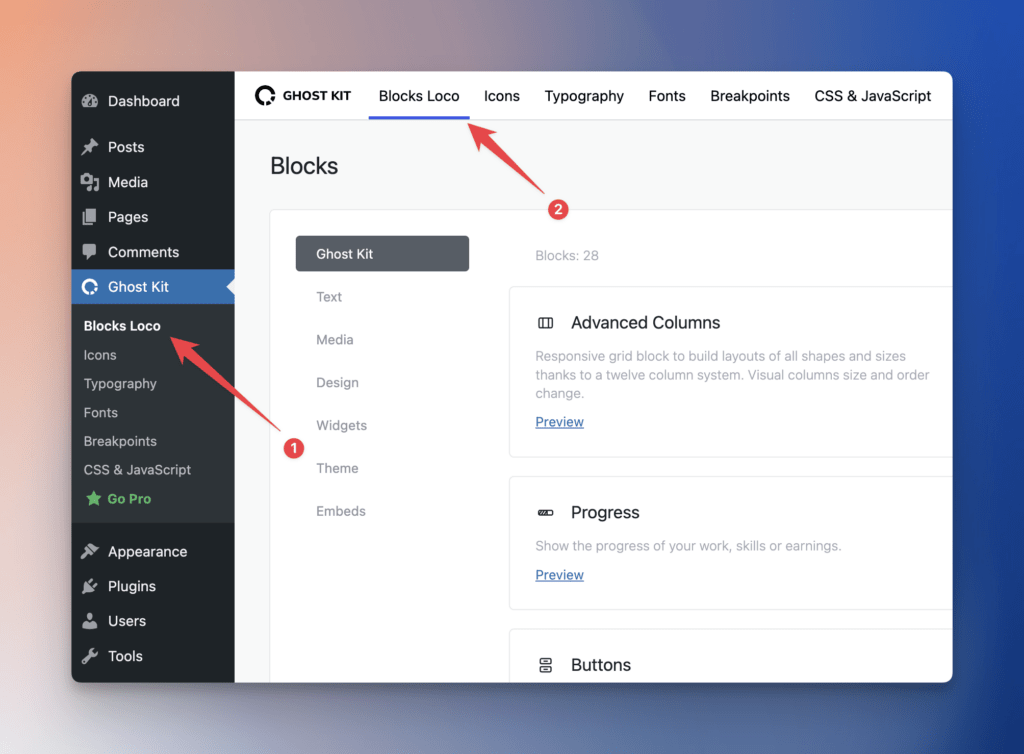
This string will be translated immediately. See here how it works: