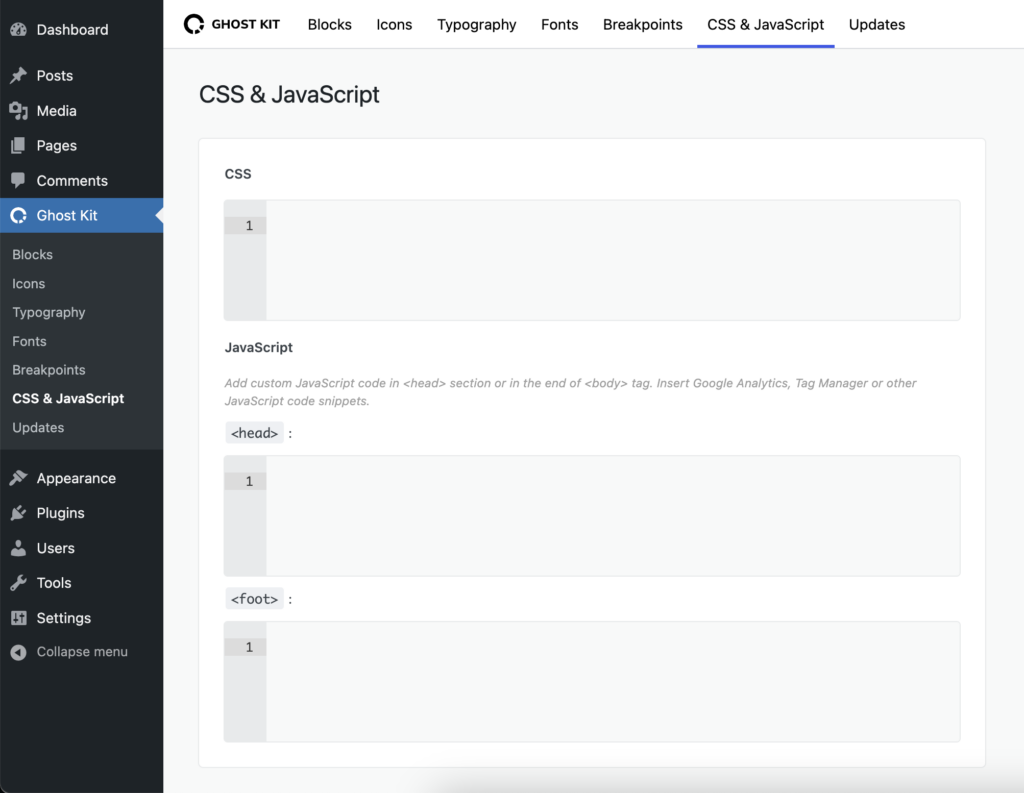
Custom CSS in Ghost Kit works at three levels: one block, one page, or the whole site. The block level panel also carries a handful of properties as ready made controls, so opacity, overflow, cursor, text selection and clip path do not need a rule written by hand. Custom JavaScript is available for a page and for the site.
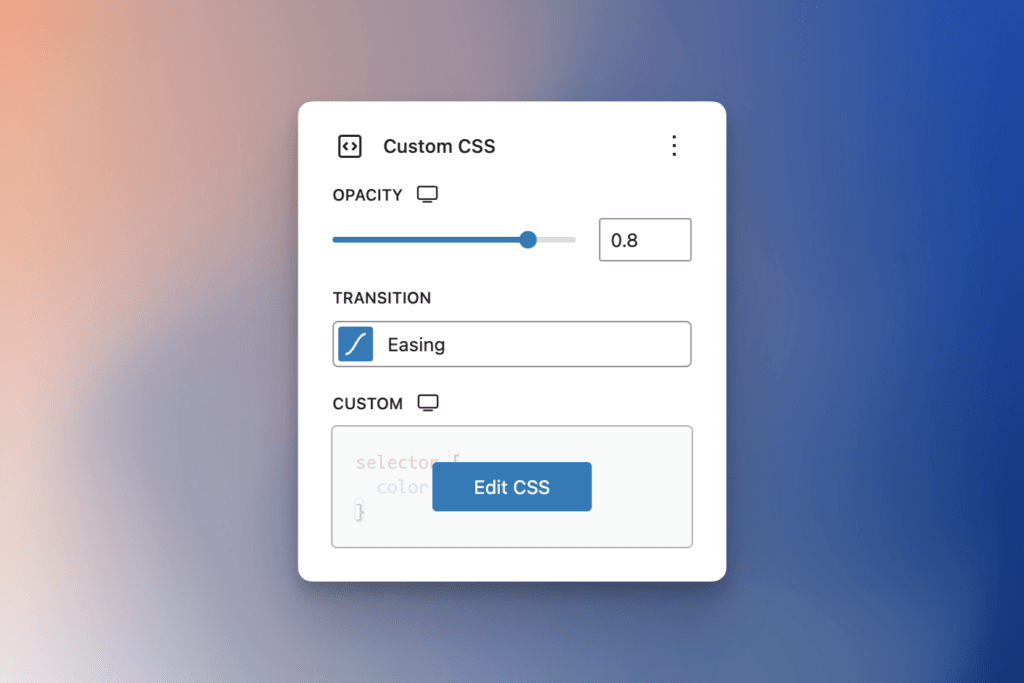
Available Tools
- Opacity
- Overflow
- Cursor
- User Select
- Clip Path
- Pro Transition
- Custom CSS
Enable in 3rd-party blocks
Page CSS and JS
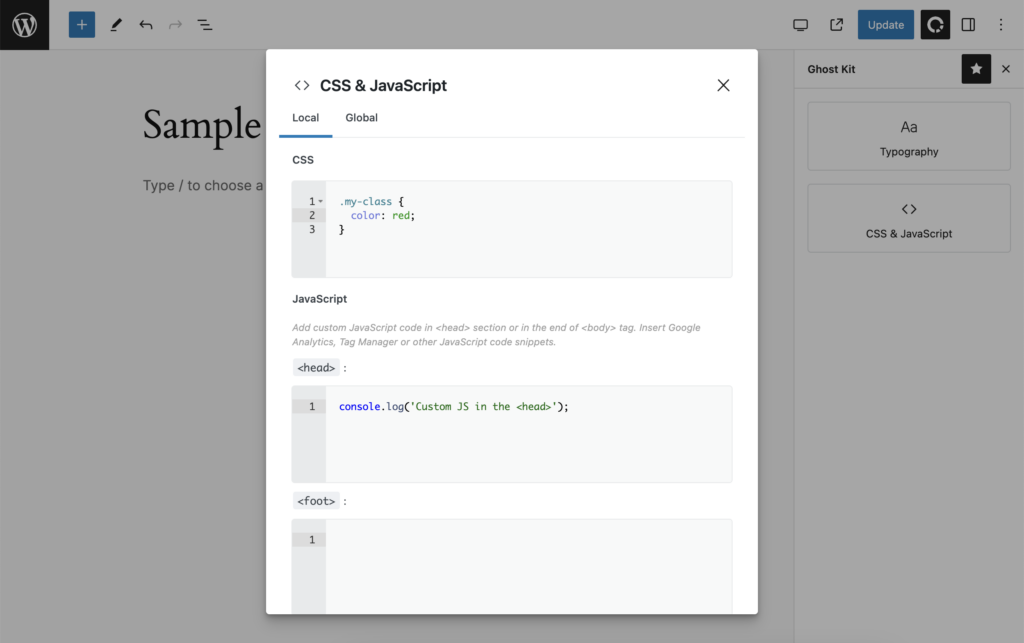
This extension is also available on all pages and lets you add custom CSS and JavaScript for the current page. To open the code editor, click on the Ghost Kit icon in the editor toolbar, where you can find the CSS & JavaScript button:
Global CSS and JS
To add custom CSS or JS globally, open Admin Menu → Ghost Kit → CSS & JavaScript: